Plants
Keep watering dates, care notes, photos and reminders connected to the pot.
Turn everyday objects into useful digital reference points. Attach a MemSticker, scan the QR code, and keep notes, photos, videos, voice notes, documents, history and reminders connected to the object.
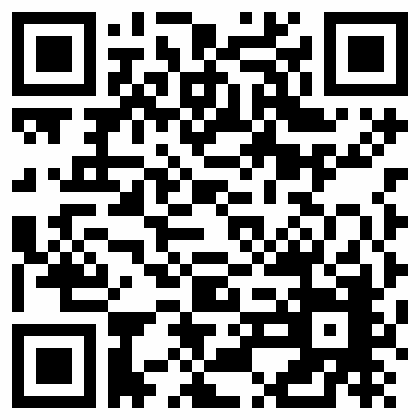
A smart QR label can keep changeable information close to the physical item without fitting everything onto a paper note.
Keep watering dates, care notes, photos and reminders connected to the pot.
Keep personal service notes, reference photos and maintenance reminders within reach.
Open cleaning instructions and maintenance notes beside the machine.
Record important contents and photos without rewriting the outer label.
Add the destination room, fragile notes, contents and packing photos.
Keep model details, instructions and maintenance notes with the tool case.
Connect setup videos, useful documents and last-maintenance records.
Keep model information, routine care notes and manuals nearby.
Save cleaning procedures, timers and reminders for routine care.
Add setup instructions, supply notes and troubleshooting references.
Keep approved property instructions and equipment notes easy to open.
Connect packing notes, photos and a personal message to a suitcase.
Record setup notes, reference photos and maintenance dates.
Keep owner reference notes and planned service reminders together.
Attach setup guidance, checklists and storage notes to each case.
Document what was packed and what should be checked next season.
Keep personal reference notes nearby without covering official safety labels.
Connect usage guidance, checklists and recurring care reminders.
Link a physical gift to a message, photo, video or memory.
Add stories, voice messages and photos to an album or keepsake box.
A MemSticker opens a browser-based Memo where the available tools can be combined for the object in front of you.
Record information that would otherwise be written on paper or remembered later.
Example: Add plant-care instructions, tyre information or a box contents list.Keep a visual reference connected to the object.
Example: Photograph a plant, packed box contents or a useful diagram.Keep a short visual procedure close to the item.
Example: Record appliance cleaning or equipment setup steps.Capture an observation when typing is inconvenient.
Example: Record a quick note after maintenance or while working in a garage.Keep repeatable tasks in a clear list and record their completion.
Example: Use a packing, inspection or seasonal-storage checklist.Record when an action was confirmed and review saved entries.
Example: Note the last watering, cleaning or personal maintenance event.Set a one-time or recurring email reminder for a future task.
Example: Schedule the next suitable watering or routine cleaning date.Track quantities, elapsed time or simple numeric entries.
Example: Count remaining items or log repeated measurements.Keep relevant helper documents and reference material available from the Memo.
Example: Open a manual or maintenance reference without searching through drawers.Each example uses a different combination of existing Memo tools so the label supports the task instead of repeating the same generic note.
Attach one MemSticker to a suitable clean area of the plant pot and build a small care record around that plant.
Keeping care information and watering history on the pot can reduce reliance on memory and make the last recorded action easier to check.
One MemSticker can open an updateable personal reference instead of adding more handwritten stickers whenever information changes.
The record can keep personal reference information easier to access near the vehicle.
MemSticker does not replace manufacturer documentation, official maintenance schedules, safety labels, legally required records or professional mechanical advice. Never cover a required vehicle label.
Place a MemSticker on a suitable cool, fixed surface on or near the espresso machine.
Scanning beside the machine can reduce the time spent looking for the same instructions again.
Do not place a sticker on hot surfaces, ventilation openings, safety warnings or moving parts, or anywhere the adhesive could create a hazard.
Attach a MemSticker to the outside of a box and keep the longer, changeable description in its digital Memo.
The box can be identified with more context than a short handwritten label can hold.
A label such as “Kitchen — Box 04” can open the detailed packing record for that specific box.
This can reduce dependence on writing long descriptions directly on cardboard.
Place the label on the tool case or another appropriate surface so useful owner information travels with the equipment.
Useful reference material stays close to the equipment without presenting MemSticker as a certified maintenance system.
QR sticky notes are physical QR labels that open a digital note or record when scanned. A MemSticker connects one object to a browser-based Memo where you can keep supported content and update it without printing a new label.
Attach the label to a suitable surface, scan its QR code with a phone, activate the MemSticker when required, and add the tools that fit the object. Later scans open the same Memo and its current information.
A MemSticker Memo can combine text, photos, GIFs, video, voice messages, checklists, counters, timers, statistics, date-and-time records, reminders and supporting reference documents, subject to the active account limits.
Yes. Photos can provide a visual reference for the labeled object, such as a plant’s condition, the contents of a storage box or a useful equipment diagram. The image lives in the Memo, not inside the printed QR pattern.
Yes. The Video tool can keep one supported video with the Memo, which is useful for a short cleaning, setup or reference procedure. File and account limits shown in the product details still apply.
Yes. MemSticker supports one-time and recurring email reminders. They can help with a future task such as suitable plant care, appliance cleaning or planned personal maintenance, but the schedule should always match the real instructions for the object.
Yes. A QR label on a suitable plant pot can connect care notes, photos, watering history and reminders to that specific plant, making its last recorded care easier to review.
Yes. Add a contents list and photos to the Memo, then update them when the box changes. The label stays on the outside while the digital information can be revised.
Yes. A moving-box Memo can hold contents, destination room, fragile notes, photos and assembly instructions. This gives one short physical label access to a more detailed packing record.
Yes, for personal reference notes such as service dates, mileage, photos and reminders. It does not replace official schedules, safety labels, legally required records, manufacturer documentation or professional advice.
No. You can update the digital Memo while continuing to use the same activated MemSticker, as long as the physical label and QR code remain readable and attached to the intended object.
No dedicated mobile app is required for the standard flow. Scanning and editing take place in a modern web browser; a compatible camera, browser and internet connection are needed for online access.
The physical label remains the entry point while the information in its Memo can change over time.
Choose a clean, suitable surface that does not cover warnings, ventilation or moving parts.
Open the QR code with a phone and connect the label to its Memo.
Choose the tools you need, then revise the digital content without replacing the sticker.
Choose a MemSticker pack, attach a label to the objects that matter to you, and decide what information each one should keep within easy reach.
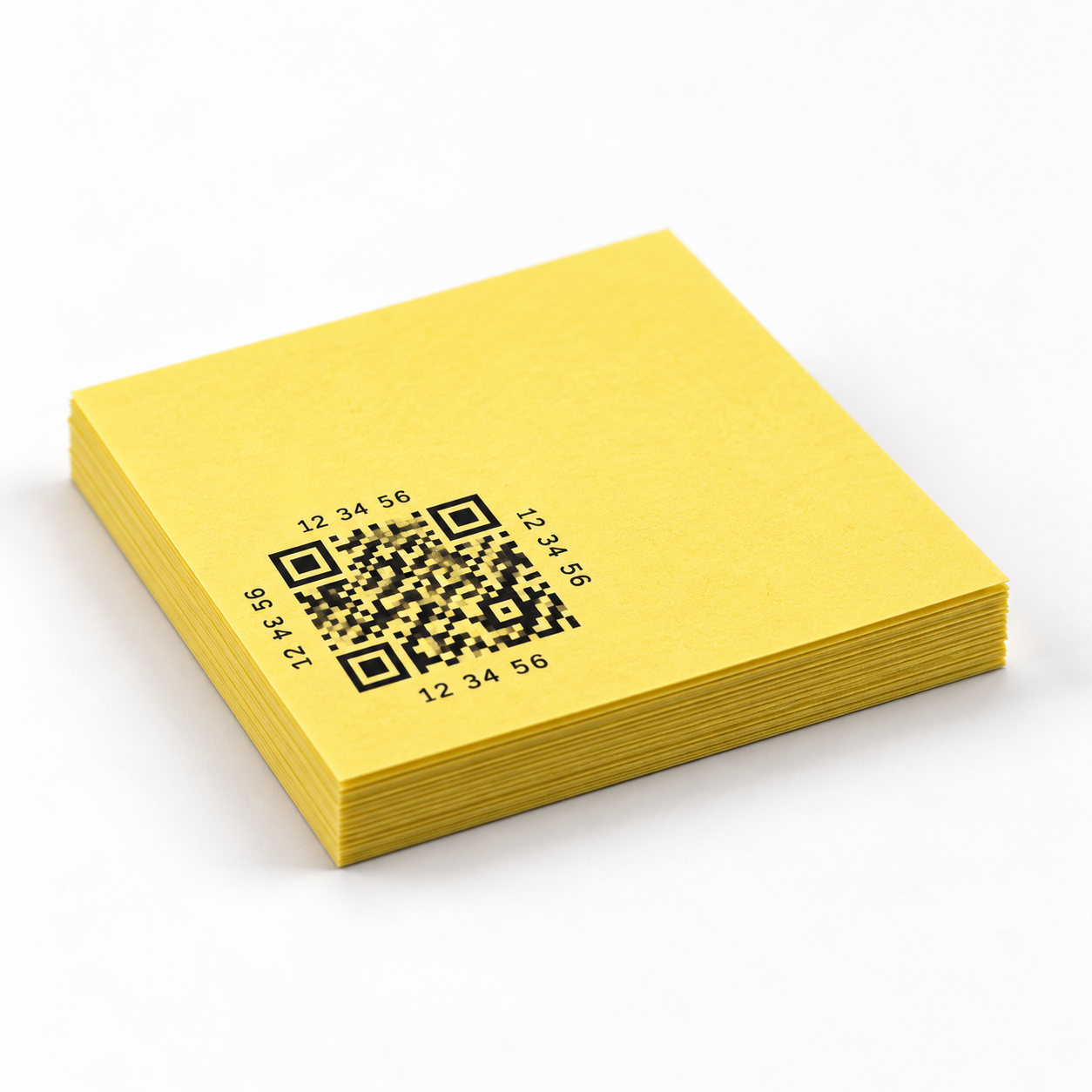
20 Smart QR Labels. Free account included.
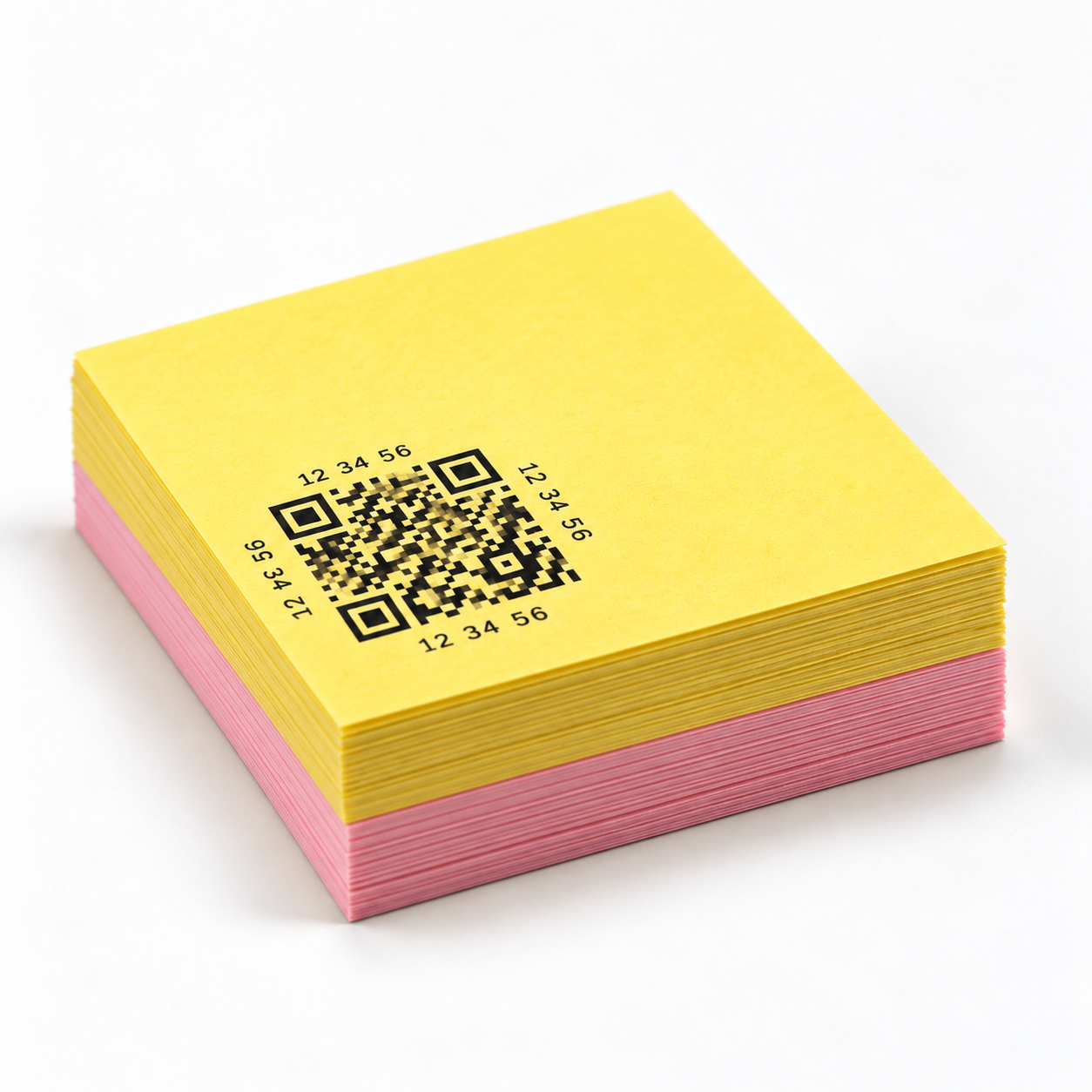
40 Smart QR Labels. Free account included.
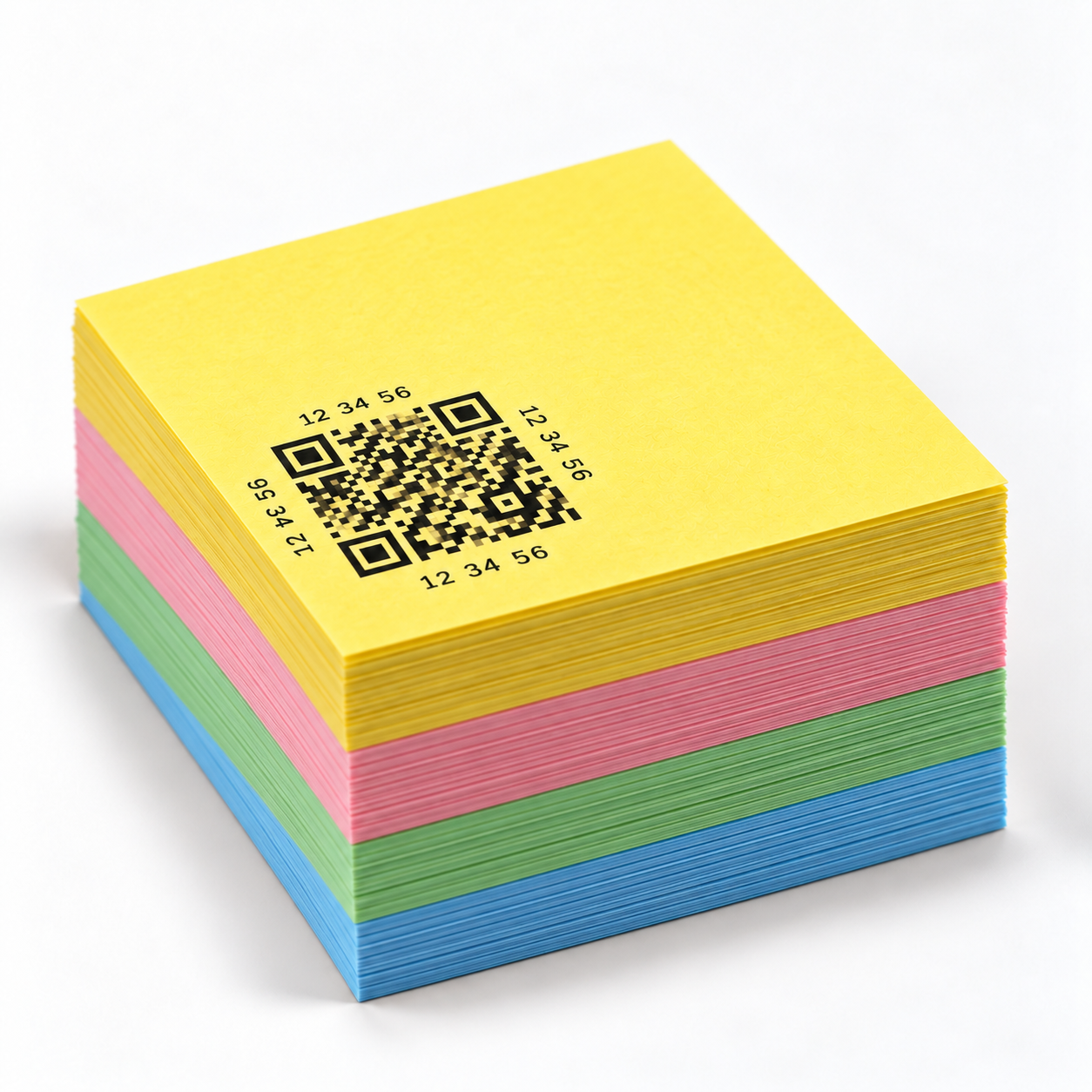
80 Smart QR Labels. Permanent Pro access included.