Detailed product overview

Everything you need to know before choosing MemSticker.

The physical QR sticker, web application, exact tool limits and purchase packages — explained on one page.

Segment 1 · Physical product

One sticker connects an object to its digital Memo.

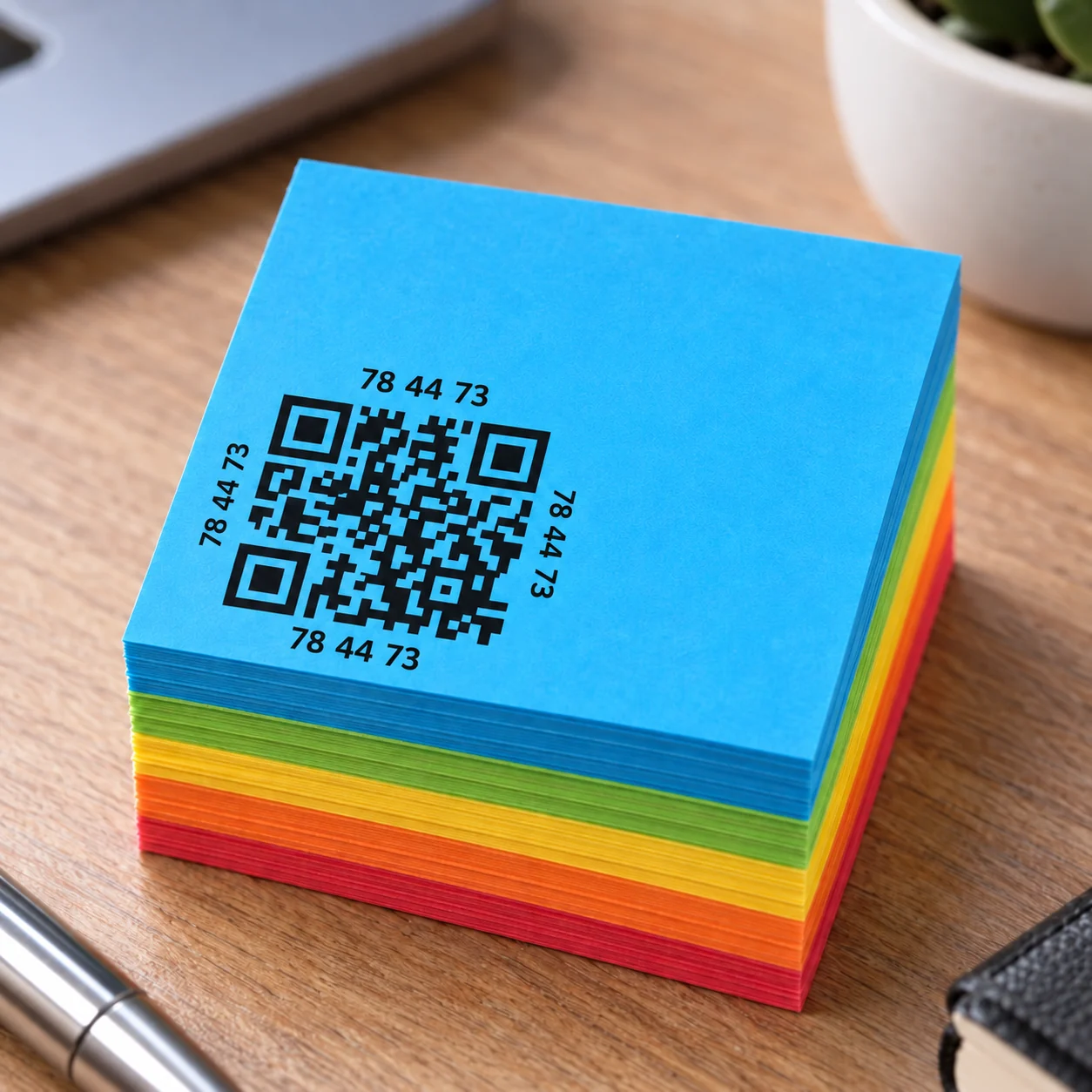
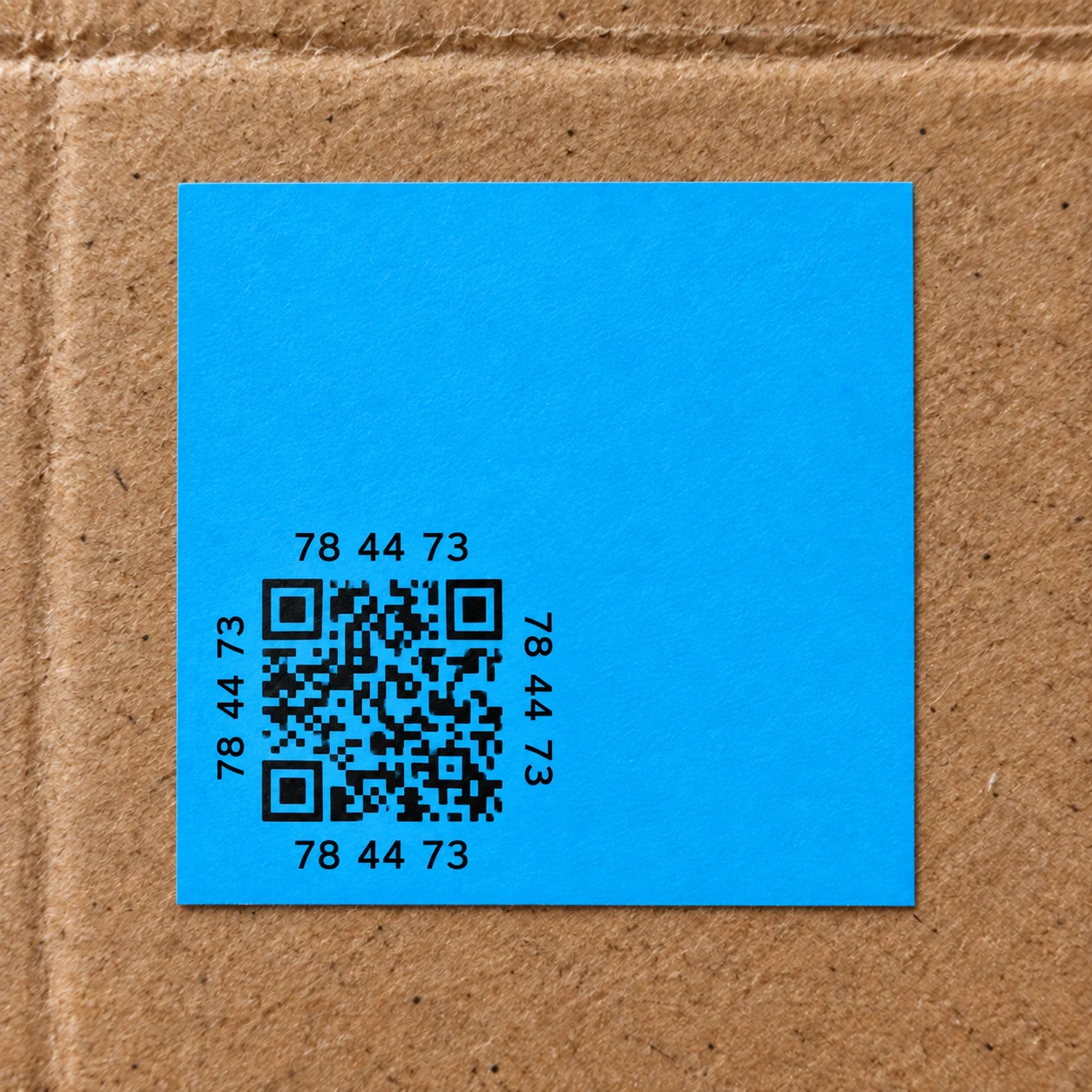
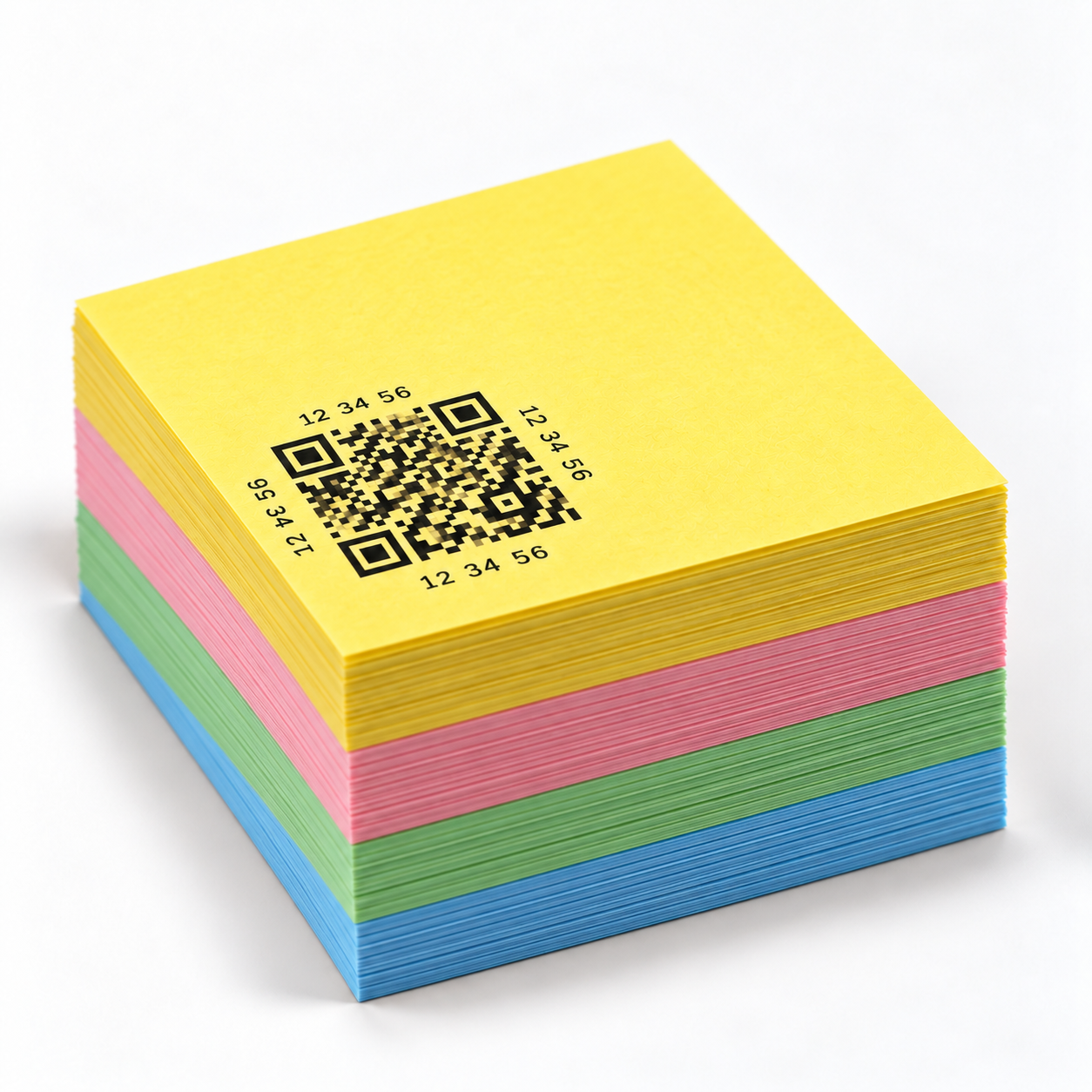
Every MemSticker smart QR label has a unique QR code. After the first scan it connects to a digital Memo and stays with the object, document, equipment or package where it is placed.

1Place the sticker
2Scan the QR
3Activate the Memo
4Add information

Unique QR code

Every physical sticker opens a separate Memo. The code is not a generic shortcut and does not share content with other stickers.

First-scan activation

Your phone opens a secure web page; save the sticker to your account and add content or tools.

No dedicated mobile app

Scanning and editing work in a modern mobile browser. You need a camera, internet and permission for the features you use.

Surface preparation

For the best bond, use a clean, flat and dry surface. Avoid dust, grease, sharp folds and peeling surfaces.

Access control

For each Memo, choose public access for everyone, require an account login or protect it with a PIN you set. Pro also supports access only through the QR code.

Packages for different needs

MemSticker Starter, Standard and Max include different quantities of smart QR labels; exact quantities and prices appear in the purchase section.

The sticker is the entry point to a Memo. Content capacity and tool count depend on the Free or Pro Lifetime access of the account managing it.
Segment 2 · Application

The same workflow with different account capacity.

Free and Pro Lifetime use the same core content types and interactive tools. Pro increases each Memo’s capacity and unlocks additional access control.

Limits are calculated for each individual Memo. A system administrator can temporarily disable a specific tool for all users.
Tools and actual limits

What each tool does, how far it goes and where it works best.

The limits below match application validation. The total number of tools and their attachments must still fit the Free or Pro capacity.

Content 6

Text

Free + Pro

Stores a note, instruction, contact or description directly beside an object.

Min / max
1–5,000 characters
Best example
Device instructions, a part number or a short service note.

Photos

Free + Pro

A JPG, PNG or WebP gallery with a full-screen viewer.

Min / max
1–10 images; 10 MB each; 35 MB gallery
Best example
Before/after condition, box contents or document photos.

Video

Free + Pro

Attaches an MP4, WebM or MOV recording to a Memo.

Min / max
Exactly 1 video; up to 300 MB
Best example
A short operating guide or a recording of a machine in action.

GIF

Free + Pro

Adds a short looping animation without a video player.

Min / max
1–10 GIF files; 10 MB each; 35 MB total
Best example
Showing one process step or the correct movement.

Drawing

Free + Pro

Finger drawing with multiple colors and widths, undo and clear.

Min / max
At least one stroke; up to 300 KB drawing data
Best example
A part-location sketch, damage marker or handwritten signature.

Voice message

Free + Pro

Records and plays an audio note directly inside the Memo.

Min / max
1 second–10 minutes; up to 20 MB
Best example
A quick field note when typing is impractical.

Interactive tool 11

Easy statistics

Free + Pro

Stores numeric values and calculates count, sum, minimum, maximum and average.

Min / max
Up to 20 integer and 10 decimal digits; CSV up to 500 entries
Best example
Consumption, temperature, measurements or daily production.

Date and server time

Free + Pro

Confirms server time and shows the elapsed period.

Min / max
Time zone required; every click saves a new timestamp
Best example
Proof of when an inspection, delivery or service was confirmed.

Timer

Free + Pro

Counts down short or multi-year intervals and preserves its state.

Min / max
Minimum 1 minute; long mode up to 20 years
Best example
Filter replacement, warranty period or process duration.

Recurring email reminder

Free + Pro

Sends repeating reminders by interval or annual calendar schedule.

Min / max
Minimum 1-minute interval or calendar date and time
Best example
Regular service, stock checks or seasonal tasks.

Email reminder

Free + Pro

Schedules one email notification in the chosen time zone.

Min / max
One future time + valid email and time zone
Best example
Return dates, scheduled inspection or warranty expiry.

Location confirmation

Free + Pro

Compares phone GPS with a target point and records the result.

Min / max
1 per Memo; radius 10 m–100 km
Best example
Confirming work at a specific device or location.

Checklist

Free + Pro

Supports required items and stores each completed check in history.

Min / max
1–10 items; up to 100 characters per label
Best example
Daily equipment checks, cleaning procedure or handover.

Counter

Free + Pro

Increases a total by one click or a configured step.

Min / max
Step 1–99,999; maximum value 99,999
Best example
Machine cycles, produced items, coffees or visits.

Quantity countdown

Free + Pro

Reduces the remaining quantity by one and shows how much was used.

Min / max
Starting value 1–9,999; minimum 0
Best example
Capsules, spare parts or remaining permitted uses.

Active / inactive

Free + Pro

Switches between two custom states and records when status changed.

Min / max
Status labels up to 60 characters; history up to 90 changes
Best example
Machine running, room occupied or equipment available.

QR-code-only access

Pro Lifetime

Restricts opening to the permitted QR flow where the feature is supported.

Min / max
One access rule per Memo
Best example
Content that should open only by scanning its physical sticker.
Video guide

See how MemSticker works.

A short walkthrough from the first scan to adding useful information and tools.

MemSticker smart QR label video guide cover
Video coming soon
Segment 3 · Purchase

Choose the quantity that fits your use.

Every physical package is a one-time purchase. Each sticker has a unique QR code, and the Max package includes Pro Lifetime when shown in the offer.
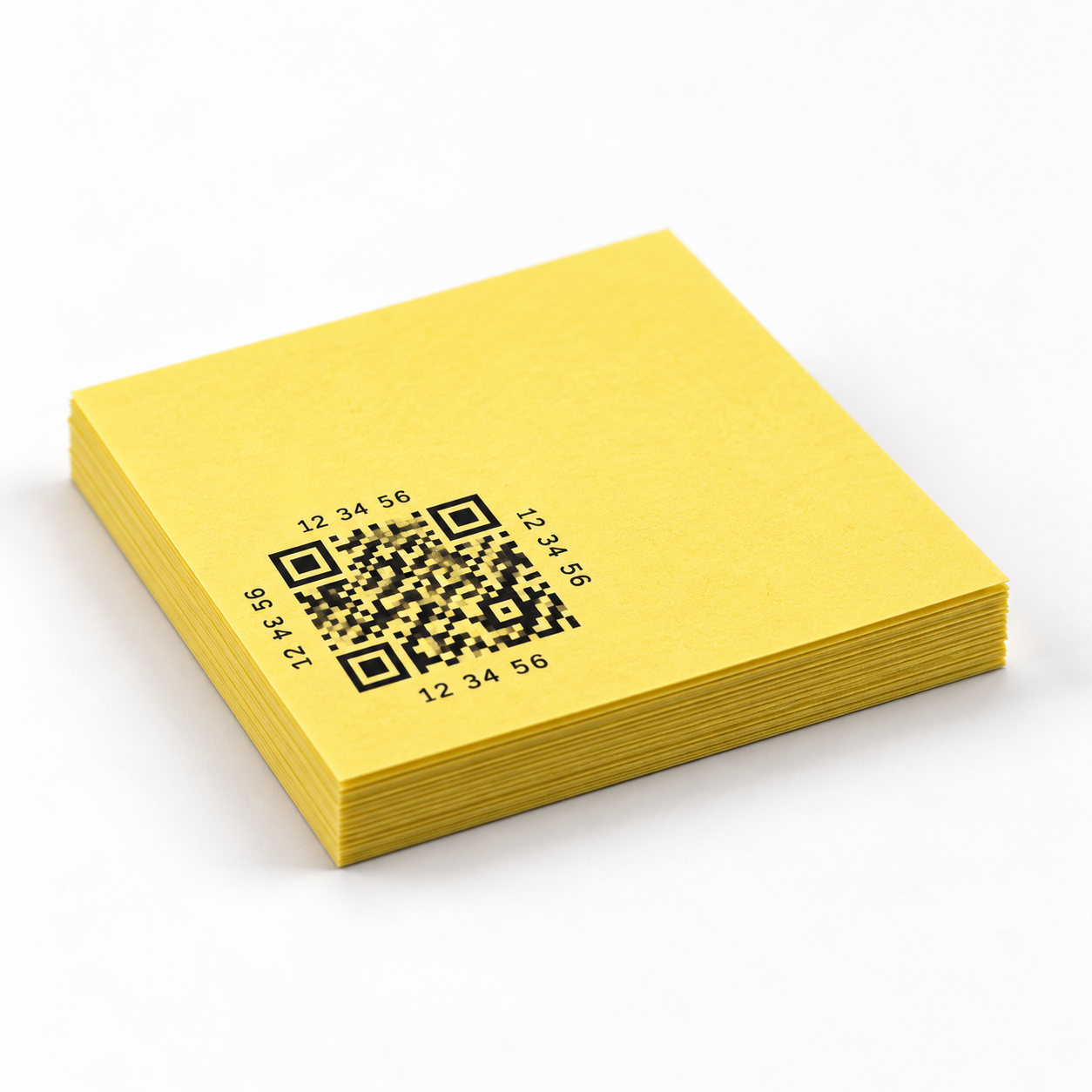
MemSticker Starter pack with 20 MemSticker smart QR labels

MemSticker Starter

€14.90
  • One-time purchase
  • Works with Free
  • 20 Smart QR Labels
Choose package
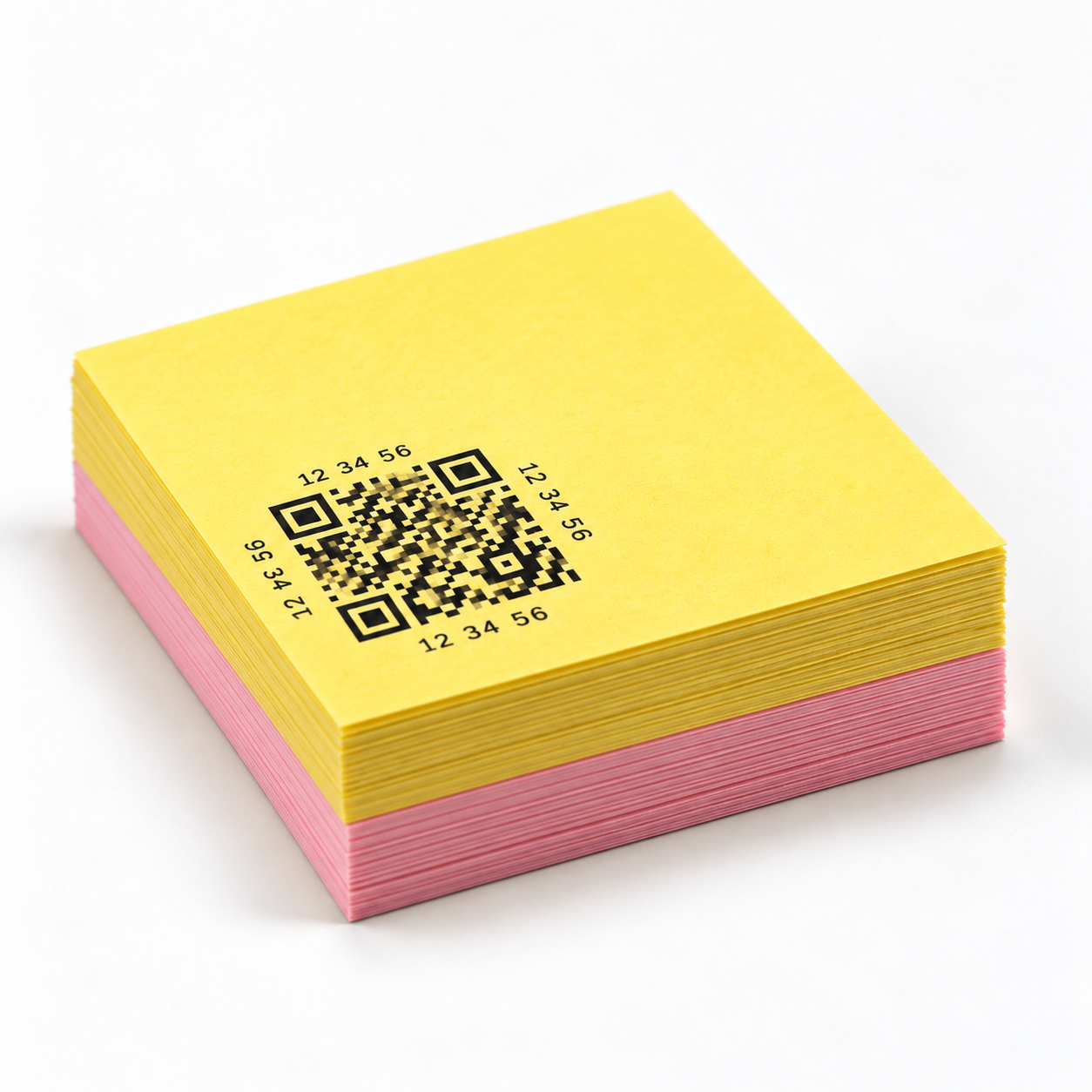
MemSticker Max pack with 80 MemSticker smart QR labels

MemSticker Max

€44.90
  • One-time purchase
  • Pro Lifetime included
  • 80 Smart QR Labels
Choose package
Products in development

Choose which next step you want to follow.

Join a separate interest list for either product. We will only send relevant development milestones, testing invitations and availability news for the option you choose.
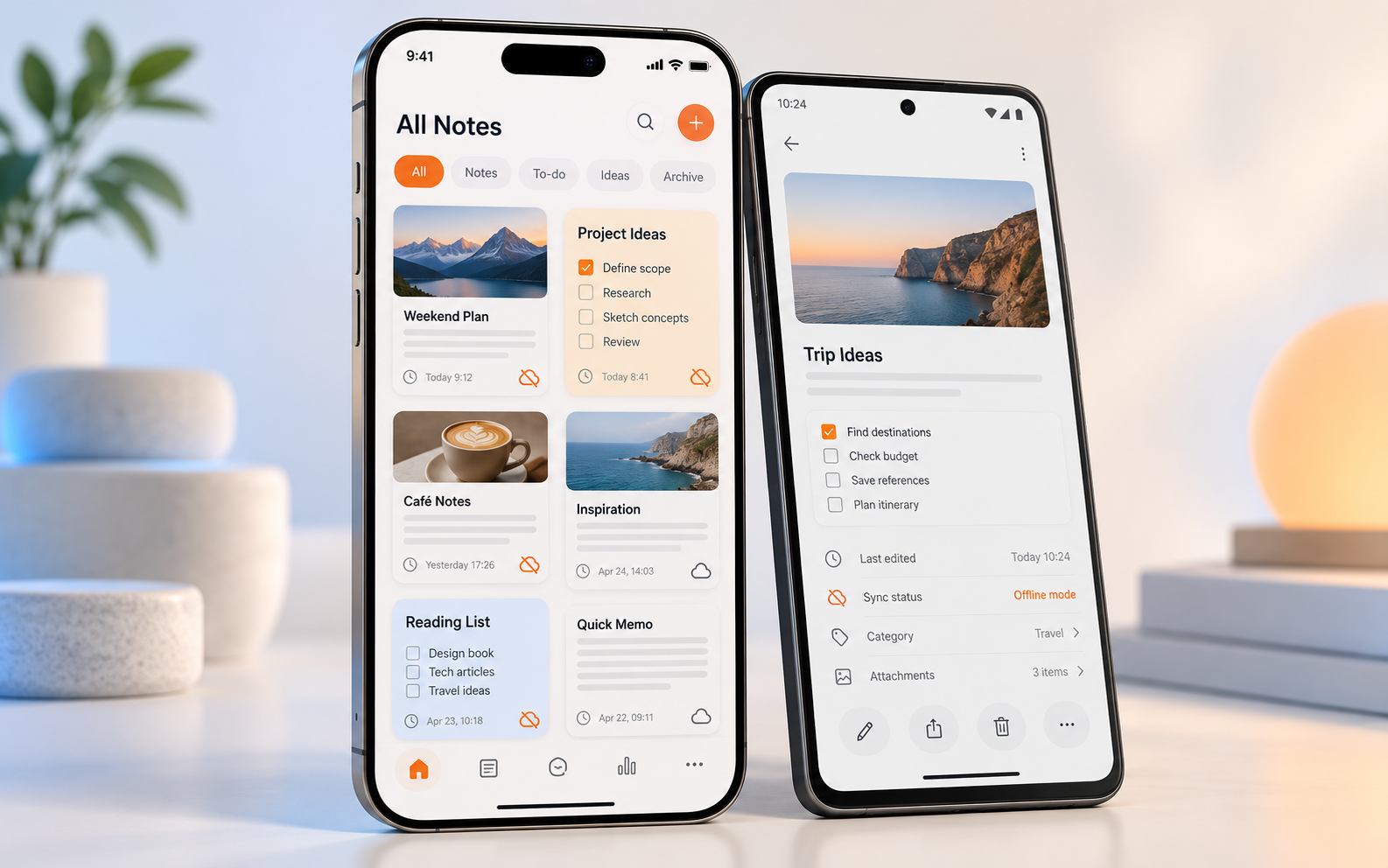
Concept of the MemSticker mobile app on iOS and Android phones with offline mode In development

MemSticker mobile app

A dedicated iOS and Android app for faster access to Memos, designed to keep essential work available when the connection is limited or unavailable.
  • iOS and Android support
  • Offline access to selected Memo information and tools
  • Automatic synchronization when the connection returns
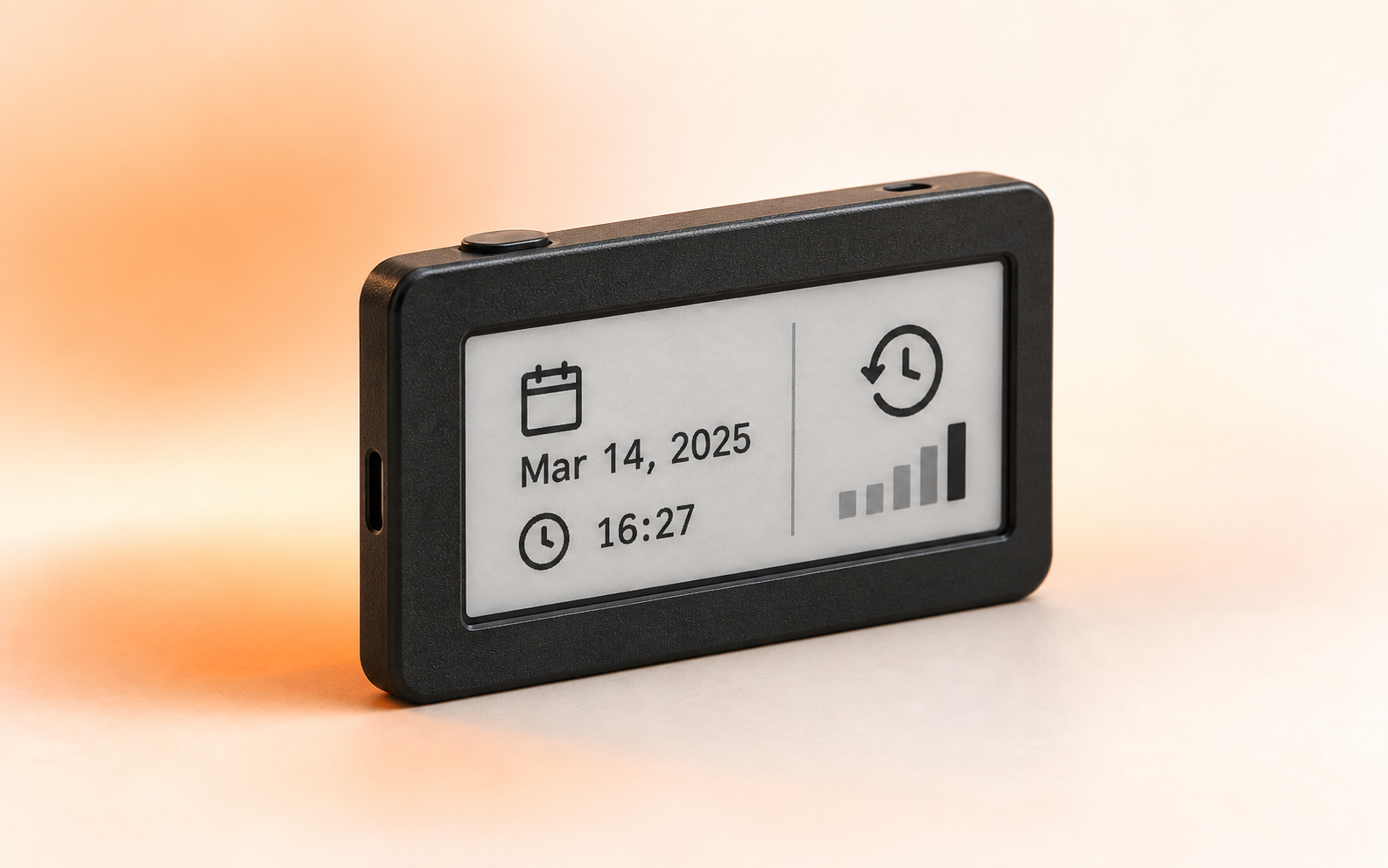
Concept of the black Memorizator device with an e-paper last-interaction display In development

Memorizator

A compact physical companion for objects and equipment, built around ESP32 and a low-power e-paper display in a simple black rectangular enclosure.

  • Last-interaction date and time directly on the device
  • Selected Memo tools available without opening a phone
  • Low-power e-paper display designed for long visibility